> For the complete documentation index, see [llms.txt](https://docs.trustform.io/guide/llms.txt). Markdown versions of documentation pages are available by appending `.md` to page URLs; this page is available as [Markdown](https://docs.trustform.io/guide/onboarding-and-reviewing/review-management/passport-expiration-date.md).
# Passport Expiration Date
Learn how to track and manage passport expiry dates for client Profiles in Trustform.
## Overview
Trustform monitors the expiry dates of identity documents, such as passports, for clients and related individuals within the ownership structure. This helps ensure that expired documents are identified on time and that Profile data remains accurate and up to date.
## Notifications
Trustform notifies the Account Managers assigned to a Profile when a document is approaching or has passed its expiry date.
Notifications are sent:
* one month before the document expires;
* on the expiry date;
* during the month following expiry, as additional reminders.
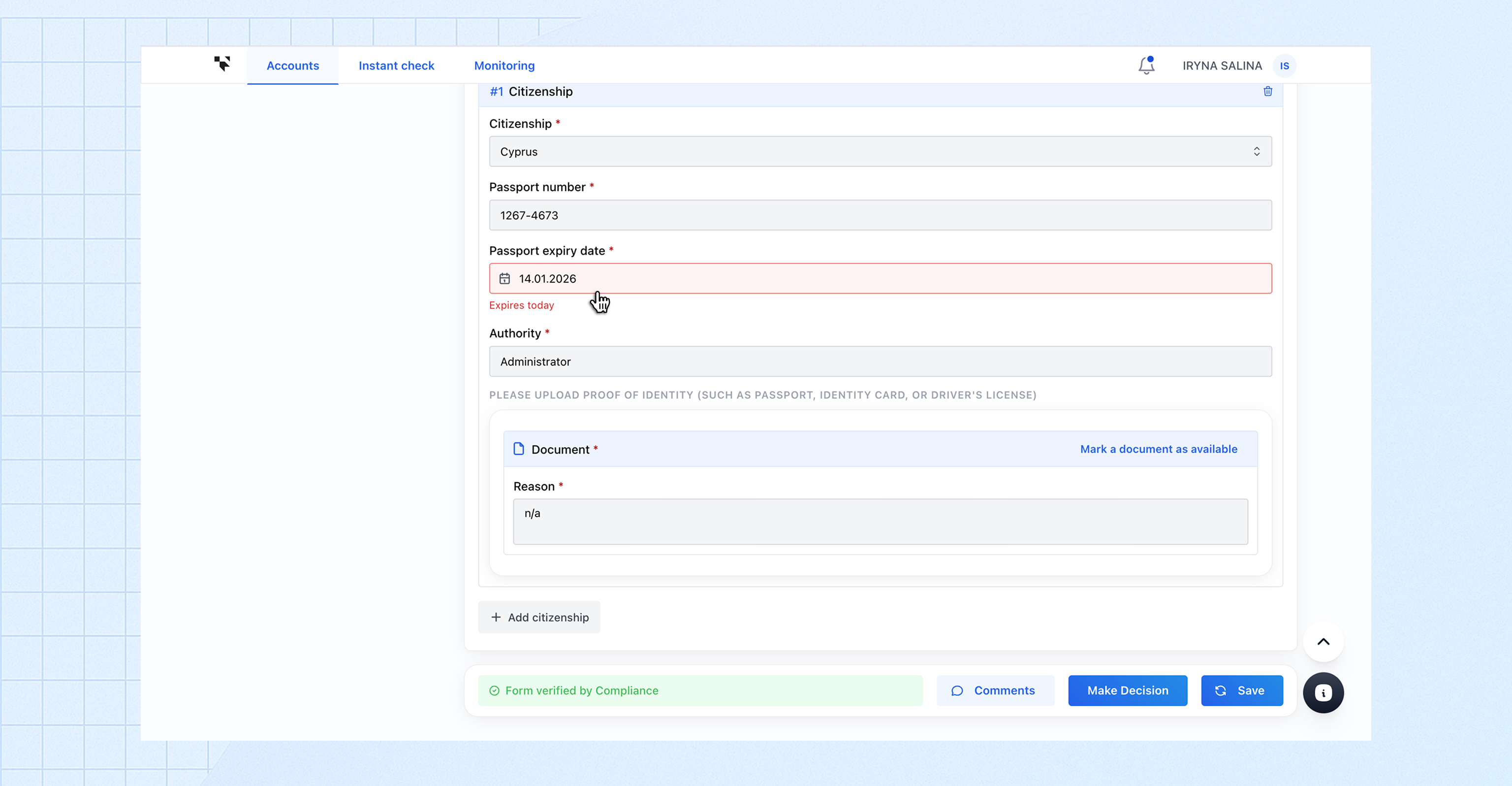
Expired document dates are clearly highlighted in red in the interface, making them easy to identify.
## Document update requests
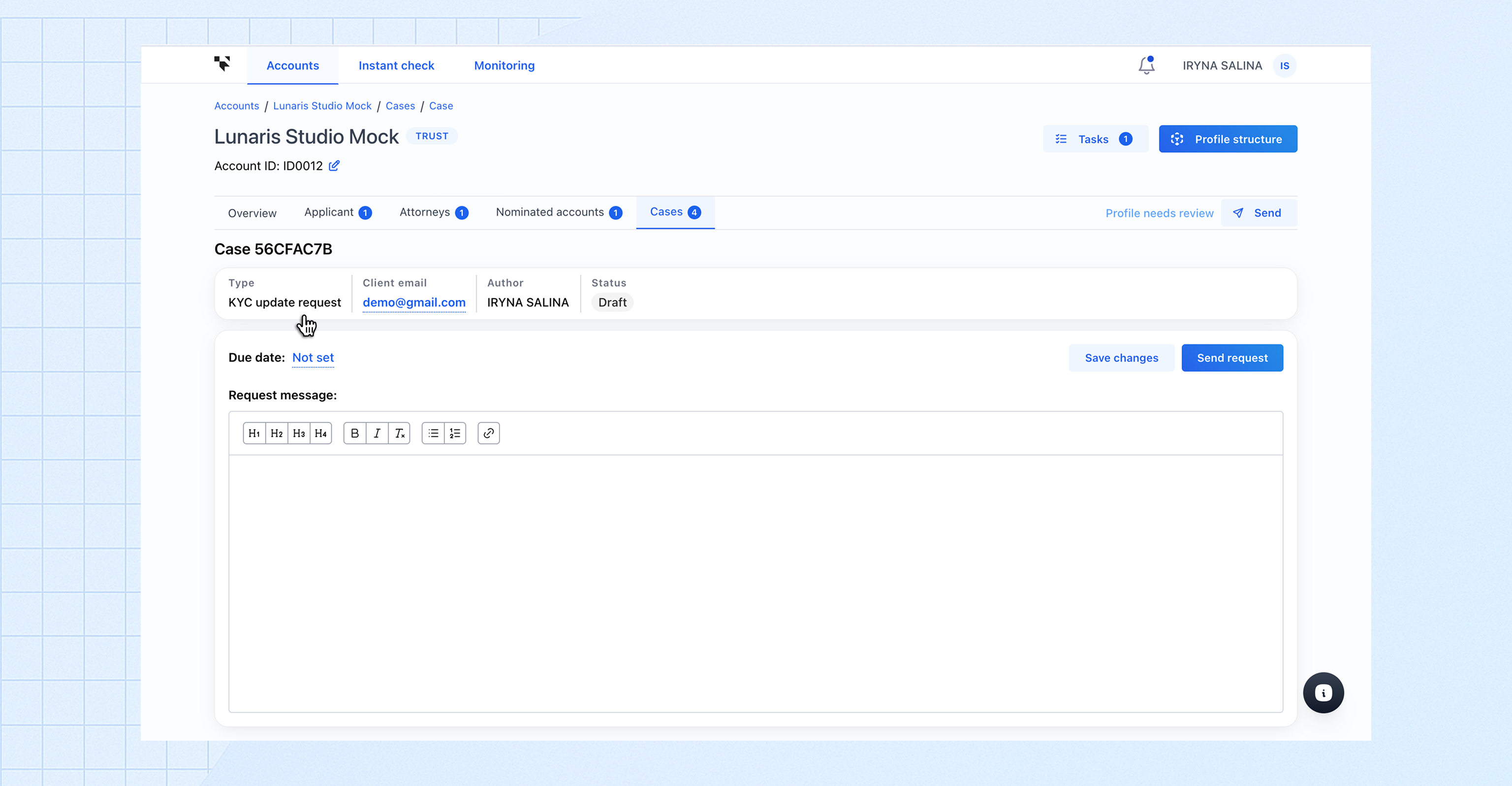
When updated documents are required due to an upcoming or expired passport, Account Managers can request them from clients using **Case Management**.
These requests are handled through a **dedicated case type for document updates**, specifically designed for managing passport expiry-related requests. This allows Account Managers to organise such requests consistently, track their status, and filter them in the client case list.
Using a dedicated case type helps ensure that passport-related document updates are managed in a structured and centralised way, keeping identity information accurate and up to date.